

bolt Executive Summary: Claude Code + Ollama at a Glance
- ✓ Direct Protocol Support: Starting in early 2026 (v0.14.0+), Ollama implements the Anthropic Messages API natively, eliminating proxy translation layers.
-
✓
Zero Setup Cost: Run state-of-the-art coding models like
qwen3-coderlocally on your GPU/RAM or use:cloudmodels at zero expense without an Anthropic subscription. - ✓ Full Agentic Capabilities: Claude Code reads local files, plans multi-step refactors, executes tests, and edits files directly from your terminal workspace.
What Is Ollama?
Ollama is a free, open-source tool that runs large language models directly on your computer — with no API key, no subscription, and no per-token billing. It packages a model's weights, runtime configuration, and prompt templates into a unified structure known as a Modelfile.
Ollama auto-detects your system hardware (Apple Silicon unified memory, Nvidia CUDA, and AMD ROCm) to maximize acceleration and tokens-per-second throughput. Similar to our workflow in the Privacy-First ATS Resume Analyzer, running models locally guarantees that confidential project code remains completely secure on your machine.
Local Processing
Prompts, confidential proprietary code, and local file contents never leave your machine when running on-premise models.
Zero Cost ($0)
Eliminate recurring API bills and monthly agent subscription fees. Local models run completely free forever.
Single-Command CLI
Pull, quantize, configure, and execute open-weights models effortlessly with a single terminal command.
Broad Tool Ecosystem
Integrates seamlessly with VS Code, Cursor, Open WebUI, and natively with Anthropic's Claude Code agent.
What Is Claude Code?
Claude Code is Anthropic's official agentic terminal assistant. Unlike standard chatbot interfaces where you constantly copy-paste snippets back and forth, Claude Code operates directly inside your active workspace. It reads files, understands repository directory hierarchies, edits code across multiple files, and runs build and test commands autonomously.
Since early 2026, Ollama (v0.14.0+) implements the exact Anthropic Messages API specifications that Claude Code expects. As a result, Claude Code can seamlessly interact with any Ollama-hosted model — whether downloaded locally or powered via Ollama's free cloud infrastructure — with no third-party proxies required. For more advanced workflows, explore our guide on Claude AI integrations.
System Prerequisites
Before starting the installation, make sure your machine meets the following requirements:
- 💻 Operating System: Windows 10/11, macOS (Apple Silicon or Intel), or Linux.
- ⏱️ Setup Duration: 5 to 10 minutes total.
- 🧠 Memory (Local Models): At least 16 GB RAM (32 GB+ recommended for large coding models). A dedicated GPU accelerates tokens/sec but is not mandatory.
- ☁️ Cloud Models (Low RAM): Any machine with an internet connection can use
:cloudmodels at zero RAM cost. - 💳 Payment: No credit card, no Anthropic account, and no payment required for the free path.
Step 1: Install Ollama
Always download Ollama directly from the official domain — ollama.com or inspect the open-source codebase on GitHub. Avoid third-party mirrors.
irm https://ollama.com/install.ps1 | iexcurl -fsSL https://ollama.com/install.sh | shPrefer a Manual Installer?
Windows users can download the standalone OllamaSetup.exe installer directly from ollama.com/download.
ollama --version
Important Requirement: You must have Ollama v0.14.0 or newer for Claude Code compatibility. Running local models requires no account sign-in. An account on ollama.com is only required if you plan to use :cloud models (run ollama signin when prompted).
Step 2: Install Claude Code
Install Anthropic's Claude Code command-line tool using the official installer script for your operating system:
irm https://claude.ai/install.ps1 | iexcurl -fsSL https://claude.ai/install.sh | bashclaude --versionStep 3: Launch Claude Code Through Ollama
With both tools installed, navigate to your project directory in terminal and execute:
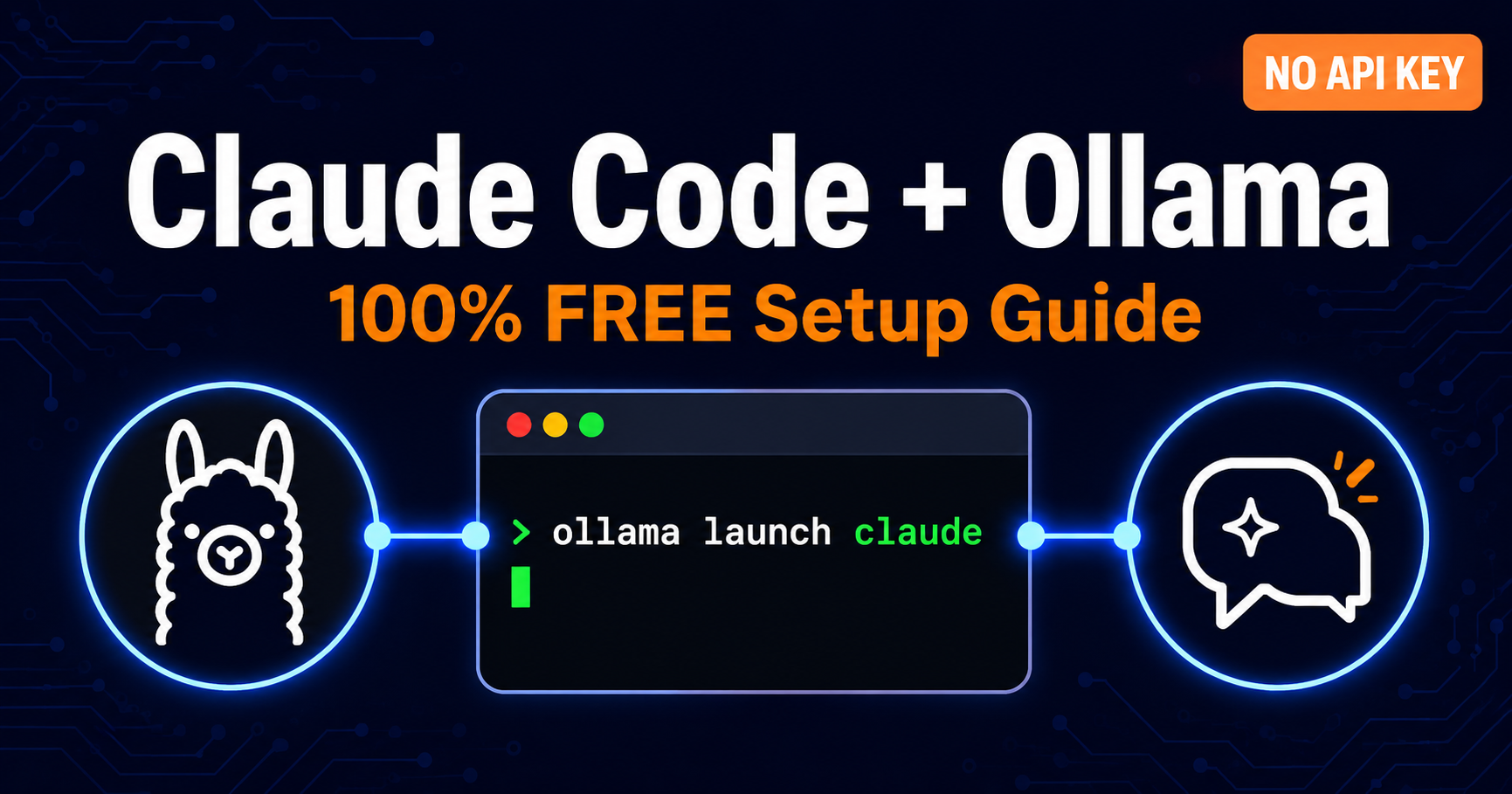
ollama launch claudeThis launches an interactive model selection menu. Use your arrow keys to select any locally pulled model or a cloud-hosted model. If Claude Code is not yet installed on your PATH, Ollama will offer to install it automatically. For prompt structure optimization, review our AI Prompt Engineering Guide.
To bypass the menu and launch directly into a specific model, pass the --model parameter:
# Launch with LLaMA 3
ollama launch claude --model llama3

# Launch with Qwen 3 Coder (Recommended for Code)
ollama launch claude --model qwen3-coder

# Launch with Free Cloud-Hosted Model (Zero RAM impact)
ollama launch claude --model kimi-k2.5:cloud
First-Time Workspace Permission
The first time Claude Code initializes in a directory, it will request permission to access your project files. Select Yes so the agent can inspect context, search symbols, and execute multi-file edits.
Step 4: Pick the Right Model for Agentic Coding
Not all LLMs handle Claude Code's agentic tool-calling (modifying files, running bash commands, parsing diffs) equally. For optimal performance, choose models fine-tuned specifically for agentic code workflows:
| Model Name | Best For | Context Length | Key Architectural Notes |
|---|---|---|---|
qwen3-coder |
General Full-Stack Coding | 32K – 128K | Top-tier tool-calling fidelity & accurate AST edits (Qwen on HuggingFace) |
glm-4.7-flash |
Local Agentic Workflows | 128K | Excellent speed-to-accuracy ratio on modest hardware |
gpt-oss:20b |
Complex Reasoning & Math | Varies (32K+) | Requires 32GB+ RAM or dedicated 16GB VRAM GPU |
kimi-k2.5:cloud |
Low RAM / Laptops | Cloud-Hosted | 100% Free, runs on Ollama cloud infrastructure |
Rule of Thumb for Context Windows: Aim for at least 32K context length, and 64K+ if your RAM/VRAM allows. Claude Code's multi-turn conversational agents with file reading eat tokens quickly. You can explore the full model catalog at ollama.com/search, or check our Google Opal No-Code App Guide for comparative workflow architectures.
Local vs. Cloud Models: Which Should You Use?
Under 16 GB RAM
Use a :cloud model (e.g., kimi-k2.5:cloud). Zero local compute lag, instant responses, and no RAM bottlenecks.
16 – 32 GB RAM
A streamlined local model like glm-4.7-flash gives complete local privacy with solid execution speeds.
32 GB+ RAM / Modern GPU
Run qwen3-coder locally with a 64K+ context buffer for zero-latency, completely offline coding workflows.
Troubleshooting Common Errors
error "Connection error" when Claude Code initializes
The Ollama background daemon service is not active. Start it manually in your terminal:
ollama servespeed Model responses are slow, truncated, or losing early context
Increase the active context length parameter in your Ollama Modelfile or configuration (32K minimum, 64K recommended for large codebases).
update Claude Code cannot detect a compatible Messages API endpoint
Verify your Ollama build is version 0.14.0 or newer using ollama --version. Legacy versions do not support Anthropic Messages API routing.
code_off Tool calls (file edits, running tests) fail or produce corrupt diffs
Certain small or generic chat models lack function-calling capability. Switch immediately to a verified agentic coding model such as qwen3-coder or glm-4.7-flash.
Frequently Asked Questions
Sources & Further Reading
Final Verdict: Code Locally with Claude for Free Today
By combining Ollama's local inference engine with Anthropic's agentic Claude Code CLI, you eliminate recurring API token bills and build faster with 100% privacy. For custom AI development and technical consulting, check out my technical skills or get in touch.

Dhaval Prajapati
AI Web DeveloperFull-Stack AI Web Developer and SEO Specialist based in Ahmedabad, India. Specializing in modern web applications, Next.js, local LLM integrations, prompt engineering, and SEO/AEO/GEO optimization. Explore my about page and projects showcase.
auto_stories Related Technical Articles
Google Opal AI App Builder Guide (2026)
Build autonomous AI mini-apps without code using Google Labs' visual node canvas and Agent Mode.
AI WorkflowsHow to Build AI Presentations with Claude + Gamma
Discover the exact Claude reasoning and Gamma layout pipeline with 12-slide master templates.
Privacy & Next.jsPrivacy-First ATS Resume Analyzer
Learn how to build and deploy a browser-first resume parser using Next.js, WebAssembly, and local BYOK keys.